10 Shopify Automations Every Founder Should Set Up Before Scaling
Most Shopify founders scale their problems before they scale their revenue.
These 10 automations are the foundation of a fully automated Shopify store — the complete automation guide covers the full system with step-by-step workflows for each.
More orders means more customer support tickets. More SKUs means more inventory headaches. More ad spend means more fraud risk. And suddenly you’re working 60-hour weeks just to keep up — not to grow.
The fix isn’t hiring faster. It’s automating first.
The founders who scale cleanly set these workflows up when they’re doing $50K/month — not $500K/month when it’s chaotic.
Here are the 10 automations worth setting up now, in order of impact.
Table of Contents
1. Abandoned Cart Recovery — Klaviyo
Time saved: 4-6 hours/week | Revenue recovered: 15-23% of abandoned carts
Cart abandonment averages 70% across e-commerce. That’s revenue sitting in checkout that never converted.
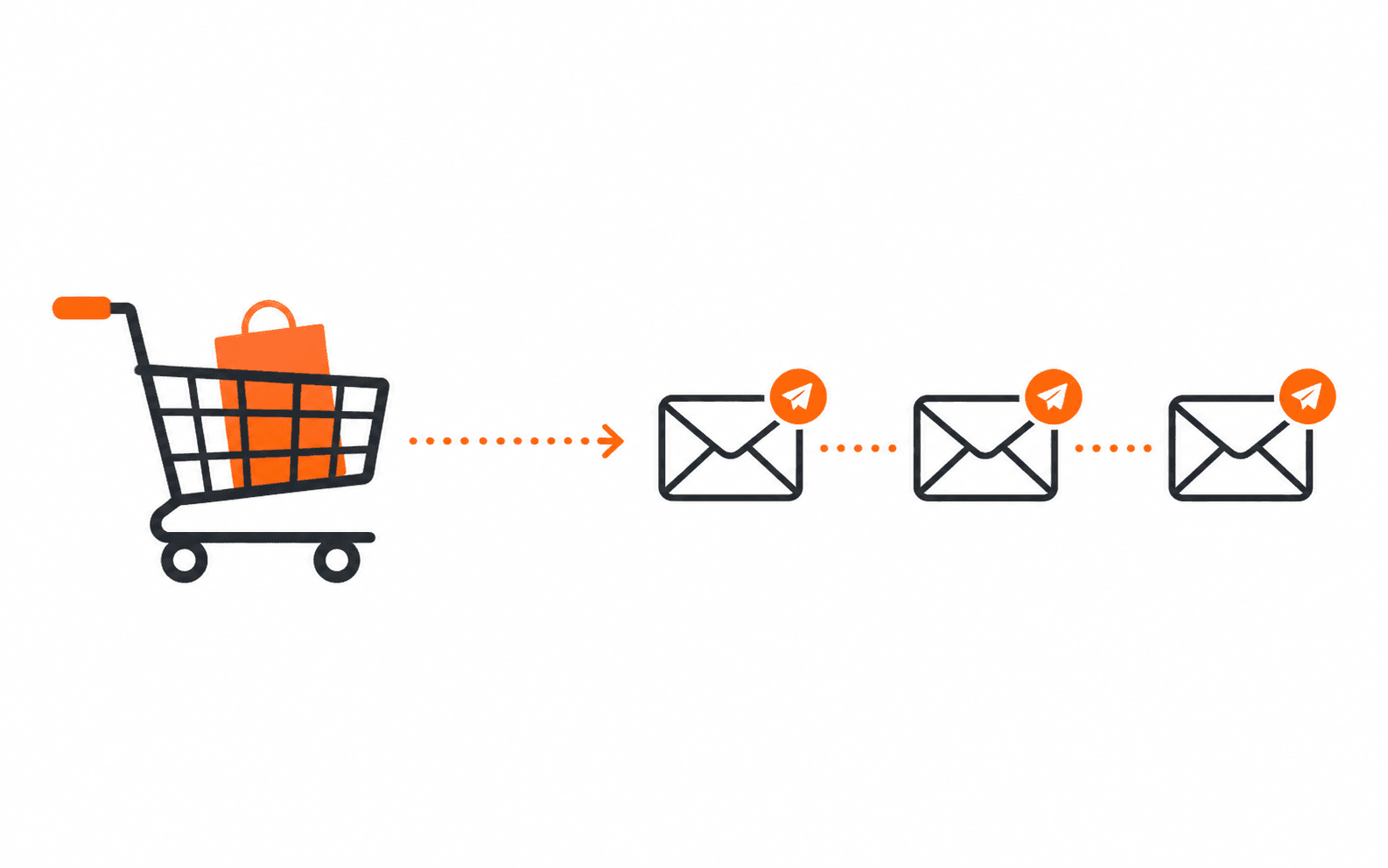
A 3-email abandoned cart flow in Klaviyo recovers a measurable chunk of it automatically — no manual follow-up needed. Email 1 goes out 1 hour after abandonment (reminder, no discount). Email 2 at 24 hours (add social proof). Email 3 at 72 hours (offer 10% off if needed).
Set this up in Klaviyo using their pre-built abandoned cart template. Connect it to your Shopify backend in 20 minutes. This is non-negotiable before scaling — every dollar you spend on ads feeds directly into this flow.
Tools: Klaviyo (free up to 250 contacts) → Full Klaviyo setup guide
2. Welcome Email Series — Klaviyo
Time saved: 2-3 hours/week | Avg. impact: 31% higher lifetime spend from welcomed subscribers
Every new subscriber who doesn’t get a welcome sequence is a missed opportunity. A 3-email welcome flow does the work for you: introduces your brand story, highlights your best products, and sets expectations for what you’ll send.
Klaviyo’s data shows that customers who receive personalized automated welcome sequences spend 31% more on average over 12 months. That’s compounding ROI from a one-time setup.
Build it once. Let it run while you sleep.
Tools: Klaviyo → Best Email Marketing Tools for Shopify
→ Once your automations are live, document them: SOPs for Shopify Founders
3. Fraud Risk Order Hold — Shopify Flow
Time saved: 1-2 hours/week | Fraud prevented: up to $2,400/year for mid-size stores
Your store is a target whether you’re doing $5K or $50K/month.
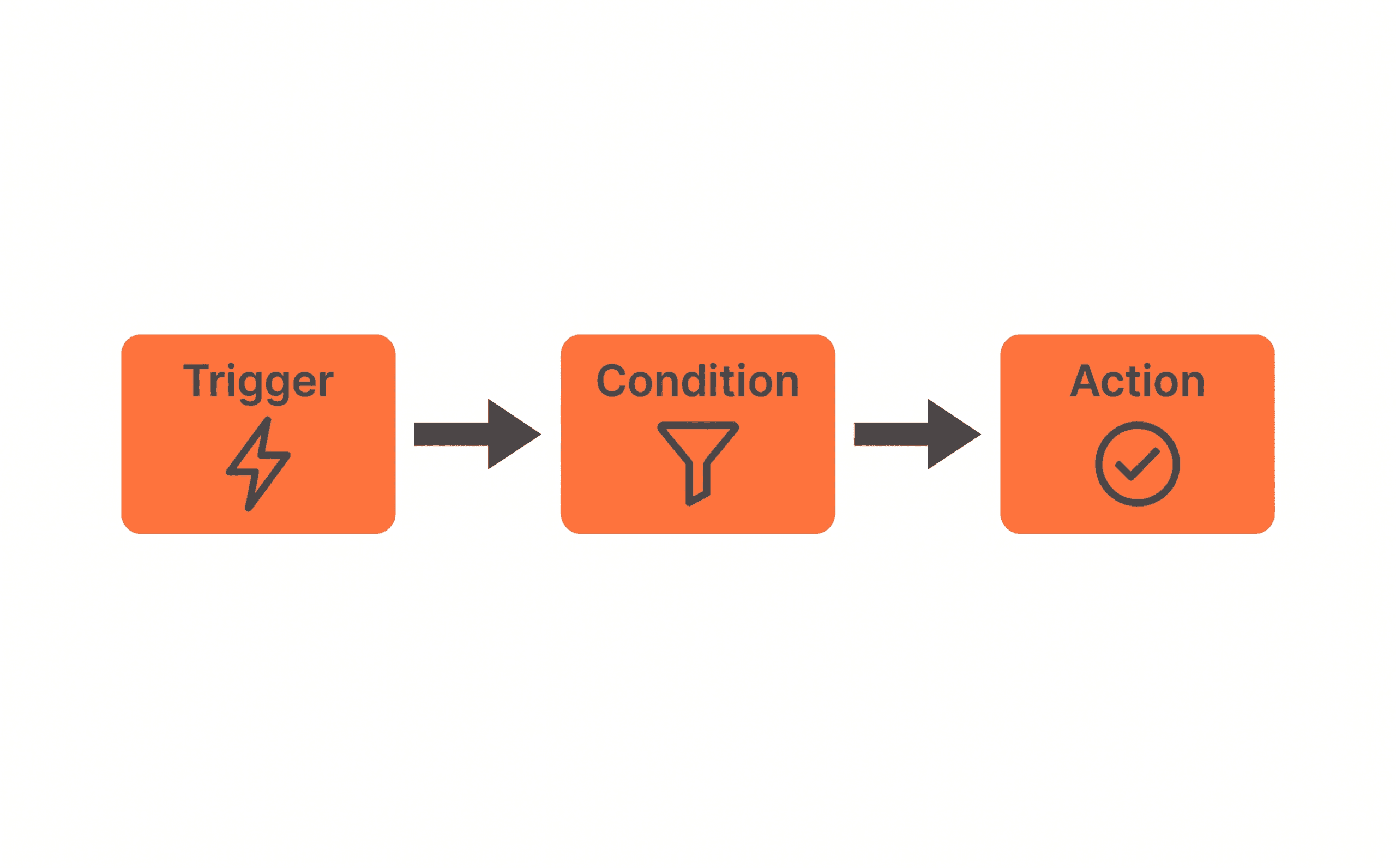
Shopify Flow has a built-in fraud risk trigger. Set it up so that when Shopify’s fraud analysis flags an order as “Medium” or “High” risk, it automatically: holds the order from fulfillment, tags it “Fraud Risk,” and sends you a Slack or email alert.
You review it manually — the flow handles the detection and pause. Takes 10 minutes to set up in Shopify Flow. Zero code required.
Tools: Shopify Flow (free, included with all Shopify plans)
4. Low Inventory Alerts + Reorder Trigger — Shopify Flow + Make
Time saved: 3-4 hours/week | Stockouts prevented: significant at scale
Running out of your best-seller mid-ad campaign is expensive. You’re paying for clicks that can’t convert.
Set up a Shopify Flow automation that: triggers when any product’s inventory drops below your defined threshold (e.g., 10 units), sends an alert to your team in Slack, and logs the SKU in a Google Sheet for reorder tracking.
For advanced teams, connect this to Make to automatically draft a purchase order email to your supplier when inventory hits the reorder point.
Tools: Shopify Flow + Make (automation workflows)
5. Post-Purchase Upsell Sequence — Rebuy + Klaviyo
Time saved: 2-3 hours/week | Revenue lift: 10-25% on AOV
The easiest customer to sell to is one who just bought from you. They trust you. Their card is already out.
Combine Rebuy’s post-purchase upsell widget (shown on the thank-you page immediately after checkout) with a Klaviyo post-purchase email sequence (3-4 emails over 14 days offering related products).
This two-layer approach catches buyers on the spot and nurtures them through email if they didn’t upsell immediately. Founders who set this up before scaling see consistent 10-25% AOV increases from customers who were already going to buy again anyway.
Tools: Rebuy + Klaviyo → Rebuy Shopify Review 2026
6. Customer Tagging by Behavior — Shopify Flow
Time saved: 3-5 hours/week | Impact: cleaner segmentation for all future campaigns
Manual customer segmentation is a time sink. Shopify Flow lets you auto-tag customers based on purchase behavior — then your email platform uses those tags for targeting.
Useful tags to automate:
vip— customers who’ve spent over $500 lifetimerepeat-buyer— anyone on their 3rd+ purchasesale-buyer— customers who only buy on discounthigh-risk— flagged by fraud detection
Once the tags run automatically, your Klaviyo segments stay current with zero maintenance.
Tools: Shopify Flow (trigger: order placed, condition: LTV threshold, action: add tag)
7. Fulfillment Delay Alert — Shopify Flow
Time saved: 1-2 hours/week | CSAT protected: prevents “where’s my order” spike
Unfulfilled orders after 24 hours spike your customer support tickets. Angry customers email and dispute charges before you even notice there’s an issue.
Shopify Flow can trigger an internal alert — to Slack, email, or your ops system — if any order is still unfulfilled after 24 hours. Tag the order automatically so your support team can proactively reach out before the customer does.
This is a 10-minute setup that prevents the single most common operations crisis in Shopify stores during growth phases.
Tools: Shopify Flow
8. Win-Back Campaign — Klaviyo
Time saved: 2-3 hours/week | Retention lift: 10-15% of lapsed customers re-engaged
Customers who haven’t bought in 90-120 days are drifting. Without an automated win-back flow, you never reach them. With one, you recover a meaningful percentage on autopilot.
A simple 2-email win-back: Email 1 at 90 days (“We miss you — here’s what’s new”). Email 2 at 120 days (“Last chance — here’s 15% off your next order”). Set it in Klaviyo with a lapse trigger. Run it forever.
The best time to set this up is before you have a large lapsed customer list. Set it now, let it build context, and harvest it at scale.
Tools: Klaviyo
9. Cross-Platform Order Data Sync — Make
Time saved: 5-8 hours/week | Data accuracy: eliminates manual entry errors
When an order is placed on Shopify, does it automatically appear in your CRM? In your Google Sheet? Does your supplier get notified if it’s a wholesale order? Does your accounting software update?
Most founders do this manually. That’s 5-8 hours a week of copy-paste that Make can automate in a single workflow.
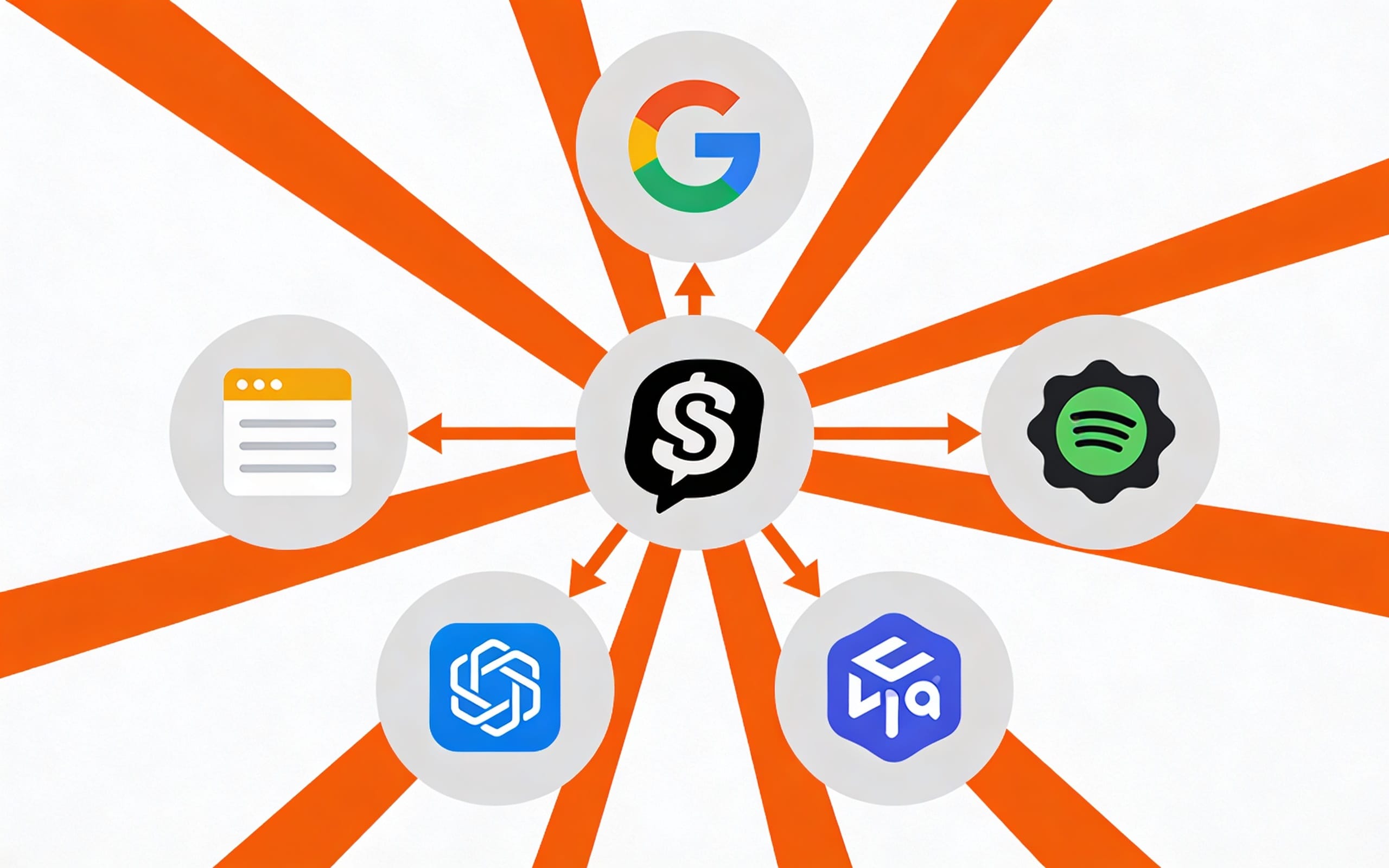
Example Make scenario: New Shopify order → create row in Google Sheets → add contact to HubSpot CRM → send internal Slack notification → if order value > $300, add customer to high-value segment in Klaviyo.
One trigger. Five actions. Set up once, runs automatically.
Tools: Make → How to Use Make to Automate Your Shopify Store
10. Review Request Automation — Klaviyo or Judge.me
Time saved: 2-3 hours/week | Social proof lift: 15-30% more reviews at steady state
Reviews drive conversion. But manually following up for reviews doesn’t scale.
Set up an automated review request email that goes out 7 days after delivery (not order date — use the fulfillment trigger). Keep it short: one sentence of thanks, one direct link to leave a review, no discount needed.
If you use Judge.me, their native automation handles this. If you prefer Klaviyo, build it as a post-purchase flow triggered by “order fulfilled.”
Tools: Judge.me (free plan available) or Klaviyo
Which Automations to Set Up First
If you’re starting from zero, don’t try to build all 10 at once. Follow this order:
Week 1 (revenue protection):
- Abandoned cart recovery (#1)
- Fraud risk hold (#3)
Week 2 (retention):
- Welcome series (#2)
- Post-purchase upsell (#5)
Week 3 (operations):
- Low inventory alerts (#4)
- Fulfillment delay alert (#7)
Week 4 (growth):
- Customer tagging (#6)
- Cross-platform sync (#9)
- Win-back campaign (#8)
- Review requests (#10)
By the end of month one, your store runs more automatically than most stores doing 3x your revenue.
Frequently Asked Questions
Do I need Shopify Plus to use Shopify Flow?
No. Shopify Flow is available on all paid Shopify plans (Basic, Shopify, Advanced, and Plus). You get access to the same trigger-condition-action builder regardless of plan.
How much does it cost to set up these automations?
Most of these use tools you likely already pay for: Shopify Flow is free, Klaviyo has a free tier up to 250 contacts, and Make has a free plan for basic workflows. The only potentially new cost is Rebuy for the post-purchase upsell (#5), which starts at $99/month — but it typically pays for itself within the first week on stores doing $30K+/month.
How long does it take to set up all 10 automations?
Budget one full day (6-8 hours). Shopify Flow workflows take 10-20 minutes each. Klaviyo flows take 30-60 minutes each if you’re building from scratch, or 10 minutes using their pre-built templates. Make scenarios take 20-40 minutes depending on complexity.
Can I set these up without technical knowledge?
Yes. Shopify Flow, Klaviyo, and Make are all no-code tools. Shopify Flow uses a visual builder. Klaviyo has templates for every major flow. Make uses a drag-and-drop scenario builder. No developer needed.
What’s the difference between Shopify Flow and Make?
Shopify Flow works entirely within Shopify — it’s best for Shopify-native automations (order management, customer tagging, inventory alerts). Make connects Shopify to external apps (Google Sheets, HubSpot, Slack, Airtable). Use both: Flow for what happens inside Shopify, Make for what needs to cross platforms.
The Bottom Line
Manual operations don’t scale. The founders who grow past $1M/year aren’t smarter or working harder — they automated early, so every new order and customer is handled by systems, not by them.
Set up these 10 automations now, before you need them. The time to build a fire suppression system isn’t when the building is on fire.
For a deeper dive into the full automation stack, read the complete Shopify AI automation guide.
This post contains affiliate links. If you make a purchase through these links, we may earn a commission at no extra cost to you.