Rebuy vs LimeSpot: Which Shopify Personalization App Is Right for You?
Rebuy is built for stores that have outgrown basic upsells and want AI personalization across the whole funnel, and it’s priced that way. LimeSpot gives solid AI recommendations at a price a $10k/month store can justify from day one. Which one fits depends mostly on your revenue stage, not on which app is “better.” Here’s the breakdown.
For the full standalone review, see our complete Rebuy review. This guide focuses specifically on how the two compare head-to-head.
Quick Comparison Table
| Rebuy | LimeSpot | |
|---|---|---|
| Starting price | Free Monetize plan; paid plans from $25/month, scaling by monthly orders (checked Sept 27, 2026) | Free up to 10 orders/month; Turbo from $9.99/month; Max from $50/month (checked Sept 27, 2026) |
| Best for | Scaling stores wanting deep, funnel-wide AI personalization | Startups and growing stores wanting accessible AI recommendations |
| Recommendation scope | Whole-funnel: cart, checkout, post-purchase, email | Key pages: product, cart, collection |
| Editor | Developer-friendly, more configuration depth | Visual, no-code editor |
| Analytics depth | Advanced, revenue-attribution focused | Solid, less granular than Rebuy |
What Is Rebuy?
Rebuy is an AI personalization and product recommendation engine built for Shopify. Its goal is a higher average order value, through cart upsells, post-purchase offers, and AI recommendations across the customer journey. It runs personalization at nearly every touchpoint: the product page, checkout, post-purchase, and even email.
What Is LimeSpot?
LimeSpot is a personalization platform for Shopify and BigCommerce. It offers AI product recommendations, upsells, and audience segments through an easy visual editor. It’s built for smaller stores from the start, with a free tier for very small stores and paid plans that grow in steps. Independent comparisons of the two platforms describe LimeSpot as the easier entry point and Rebuy as the more powerful, pricier next step. They aren’t really chasing the same customer.
Rebuy and LimeSpot are both AI personalization tools for Shopify, but they target different store sizes. Rebuy runs across the whole funnel: cart, checkout, post-purchase, and email. Its paid plans start at $25 a month and scale with monthly orders, per Rebuy’s pricing page. An all-in Platform One plan starts at $534 a month. LimeSpot focuses on key high-traffic pages (product, cart, collection) at a lower price. It’s free for stores with up to 10 orders a month, and paid tiers start at $9.99 a month, per its Shopify App Store listing. The real difference isn’t just features. LimeSpot is built to be a store’s first personalization tool. Rebuy is built for stores that have already seen personalization pay off.

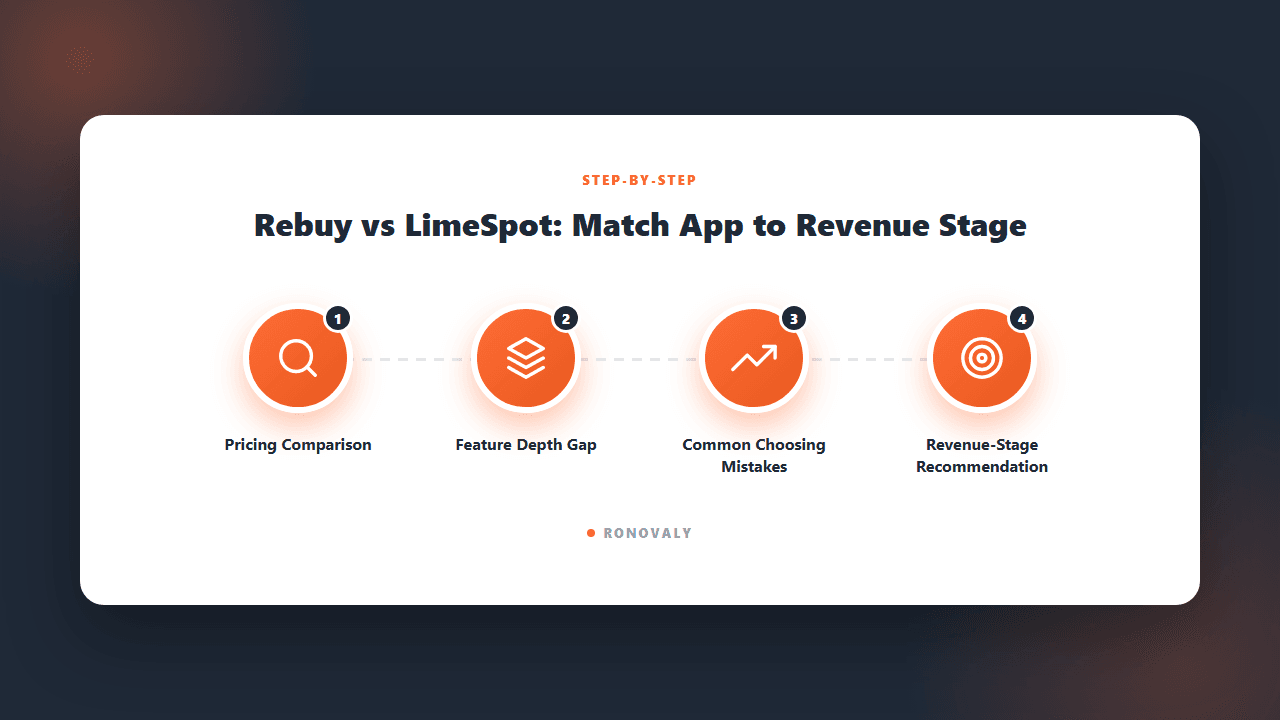
Pricing Comparison
This is usually where the decision gets made, before features even come up. LimeSpot’s pricing page confirms the free plan and low starting price, so a founder can test AI personalization at almost no cost. Rebuy now starts lower than it used to, at $25 a month. But it scales with order volume and with each module you add. Check its calculator against your monthly orders before you commit.
Illustrative example (hypothetical): picture a skincare brand doing $15,000 a month. It could start on LimeSpot’s free tier and track its average order value for two months. It would look at Rebuy only once revenue grows and the team wants deeper cart, checkout, and post-purchase personalization.

Feature Comparison
Both platforms handle the core jobs well: product recommendations, cart upsells, and basic segments. A smaller store won’t feel shortchanged by LimeSpot. Rebuy pulls ahead on depth. It adds post-purchase offer sequences, more advanced AI models, and analytics that show which recommendation drove which sale. LimeSpot’s visual, no-code editor is easier for a founder without tech help. Rebuy assumes more comfort with settings, or a developer to lean on.
Neither app is “missing” a core feature relative to the other — the difference is depth and configurability, not capability gaps.
The gap between Rebuy and LimeSpot is about depth, not basic ability. Both offer AI product recommendations, cart upsells, and customer segments. Rebuy goes further in three ways. It sequences post-purchase offers, showing a second offer right after checkout. It traces each sale back to the recommendation that drove it. And it offers deeper settings for teams with more technical comfort. LimeSpot puts ease of use first. Its visual, no-code editor lets a non-technical founder set recommendation rules without a developer. It covers the busiest pages of a typical store: product pages, cart, and collections. Neither approach is better in general. Each fits a different person running the tool and a different amount of revenue at stake.
Common Mistakes When Choosing Between Them
Picking Rebuy before you know personalization works at all. The costliest mistake is paying for a big Rebuy plan to test an idea that a free plan, from either app, could test first at little risk.
Staying on LimeSpot too long. The opposite mistake happens too. A store grows past $50k/month and personalization is clearly driving revenue, but the founder never revisits the choice because switching feels like extra work. Review this decision at each big revenue milestone, not just once at setup.
Comparing feature checklists instead of revenue stage. Both apps look similar on a spec sheet. What matters is which pricing model fits your store right now: free-to-low-cost and growing, or premium and complete. One extra feature on a list matters much less.

Which Should You Choose?
- Under $20k/month, testing personalization for the first time → LimeSpot. The free tier removes the risk of paying for a tool before you know it works for your store.
- $20k-$50k/month, ready to invest in AOV growth → Either can work. LimeSpot’s paid tiers still make sense here. It’s also a good time to try Rebuy’s trial if post-purchase personalization is a priority.
- $50k+/month, personalization already proven as a growth lever → Rebuy. Its funnel-wide depth and sale-by-sale analytics justify the higher cost once you’re tuning a system that already works.
For a deeper look at Rebuy (use cases, pricing breakdown, and where it falls short), see the full Rebuy review. For the wider AI tools landscape, see the complete guide to AI tools for Shopify stores.
Related guides: for next steps, see whether AI dynamic pricing works for small brands.
FAQ
Is LimeSpot as good as Rebuy?
For the core jobs (product recommendations, cart upsells, basic segments), LimeSpot does well at a fraction of the cost. Rebuy pulls ahead on funnel-wide depth (post-purchase, email) and more detailed analytics. Those matter most once a store knows personalization drives revenue and wants to push further.
Can I switch from LimeSpot to Rebuy later?
Yes, and it’s a sensible path. You can start on LimeSpot’s free or low-cost tier to check that AI personalization works for your catalog. Then move to Rebuy once revenue and needs justify the higher cost. Recommendation rules have to be rebuilt in the new app, so plan a short setup window.
Does LimeSpot work for stores beyond Shopify?
LimeSpot supports Shopify and BigCommerce. Rebuy is built exclusively for Shopify, which allows it deeper native integration with Shopify-specific features like checkout extensibility, but means it’s not an option if you’re on a different platform.
What’s the real minimum revenue where Rebuy makes financial sense?
There’s no hard cutoff. Rebuy makes most sense when its cost is a small share of the extra revenue you expect it to bring in, which usually points to stores in the high six or seven figures a year. Below that, the modular pricing can add up faster than the AOV lift.
Do both apps require a developer to set up?
No. Both are built for store owners to set up themselves. LimeSpot’s visual editor is usually the easier of the two for a non-technical founder. Rebuy’s deeper settings reward some comfort with configuration. Neither needs custom code for a standard setup.
Key Takeaways
- LimeSpot is the easy starting point: free up to 10 orders a month, then paid plans from $9.99 a month. It’s a low-risk way to test AI personalization.
- Rebuy is the funnel-wide, premium option. It usually makes sense once a store is pushing AOV growth in the high six to seven figures a year.
- Neither app has a hard feature gap over the other. The real difference is depth, settings, and a price that matches your store’s stage.
- A common and sensible path: start with LimeSpot, graduate to Rebuy once personalization has already proven its value.
For more on evaluating AI tools by store stage, see the complete guide to AI tools for Shopify stores.
This post contains affiliate links. If you make a purchase through these links, we may earn a commission at no extra cost to you.